A Five-Step Guide to Audio Articles
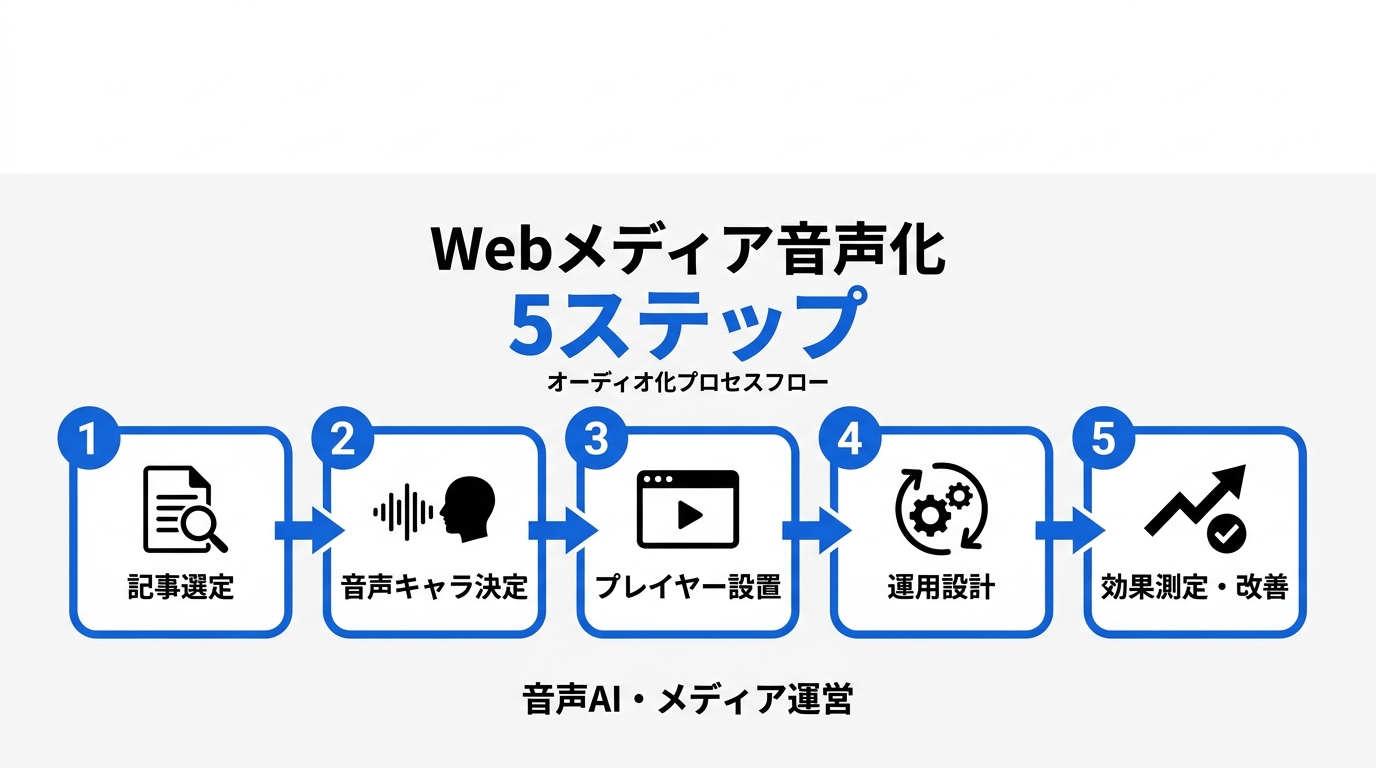
Adding TTS to a publisher site is easy at the API level and demanding at the editorial level. These five steps cover article selection, voice, player design, pronunciation, and measurement.
By Yutaro Sasao, CEO of MediaLeap Inc. and an AI voice product developer.
"Isn't article audio just a text-to-speech API call?"
The first prototype can be. A useful publishing system cannot.
I built a voice-chat application with VOICEVOX in roughly three months and later worked through audio implementation questions with more than 30 publishers. The speech engine was rarely the hardest part. Player placement, pronunciation, editorial review, and measurement consumed more attention.
I had seen the same pattern earlier in advertising technology. A new monetization feature was only viable when the editorial and operations teams could maintain it. Audio articles should be evaluated by the same standard.
Before implementation, test the actual content
TTS quality has improved enough for production use, but language support on a product page does not guarantee good output for a publication. Brand names, abbreviations, mixed-language sentences, and specialist terminology expose differences quickly.
MOS, or Mean Opinion Score, is a five-point listener rating of speech quality. Scores from separate vendors are not directly comparable when the language, sample, and panel differ. Use the same three representative articles with every candidate engine instead.
The wider shift from reading to listening is covered in how TTS is changing web publishing. For implementation, the following sequence prevents expensive rework.
Step 1: Choose articles that work without the screen
Audio works best when the argument lives in the words: analysis, interviews, essays, explainers, and long-form reporting. In my implementation work, text-heavy pieces above roughly 2,000 words have been reliable test candidates. That is an operating heuristic, not a universal threshold.
Photo essays, maps, recipes with critical visual steps, dashboards, and infographic-led stories require adaptation. A narration that says "as shown above" fails as soon as the listener puts the phone away.
Select ten popular evergreen articles, then narrow the test to three with strong textual structure. A small set gives the team enough time to correct pronunciation and inspect analytics.
Step 2: Select one editorial voice
Choose a voice that fits the publication's editorial character. The relevant questions are not only gender and pitch. Pace, authority, warmth, and treatment of foreign words all matter.
Teams often want to launch with a menu of voices. In practice, too many controls can delay the first play. Start with one default. Add choice only after user research shows that it solves a real problem.
I have also learned not to judge Japanese output from an English demo, or vice versa. Run the publication's own copy through each model, including names that have been difficult in the past.
Step 3: Put a simple player where readers see it
In the publisher implementations I have observed, a player directly below the headline or standfirst receives more attention than one placed in the sidebar or at the end of the article. It appears before the visitor commits to scrolling.
The initial interface needs play, pause, progress, and an accessible label. Playback speed and voice controls can sit behind a settings menu. Keyboard operation, visible focus states, captions or a text fallback, and screen-reader labels are baseline requirements.
Use clear copy such as "Listen to this article." In some client tests, adding an explicit label coincided with a 20% to 30% relative increase in play rate. Those tests were not standardized across properties, so the figure is a hypothesis for local A/B testing rather than a benchmark.
<figure> <img src="https://images.media-leap.com/blog/2026/07/1784682209441-5x27dyu4.png" alt="Example of a simple audio article player placed below a headline" /> <figcaption>A visible label, a small control set, and placement near the headline make the purpose clear without crowding the article.</figcaption> </figure>Step 4: Maintain a pronunciation workflow
One incorrect company or person name can make otherwise natural speech feel unreliable. This is where many teams discover that the API cost was never the main expense.
Create a shared pronunciation dictionary, record the preferred form, and assign editorial ownership. During the first month, review every published audio file or at least every article containing new entities. Later, sample the output and review exceptions.
The dictionary is not enough on its own. Long sentences, stacked parentheses, visual bullet lists, and headings may need conversion into listening-friendly scripts. Automating that conversion still requires human checks.
Step 5: Measure behavior, not file generation
Track at least four metrics:
- play rate among eligible article sessions;
- completion rate among plays;
- average engaged time for playing and non-playing sessions;
- errors, corrections, and editorial minutes per article.
Revenue is a later metric. A high completion rate on a small number of plays may create little commercial value, while a modest play rate on durable evergreen traffic may justify the workflow.
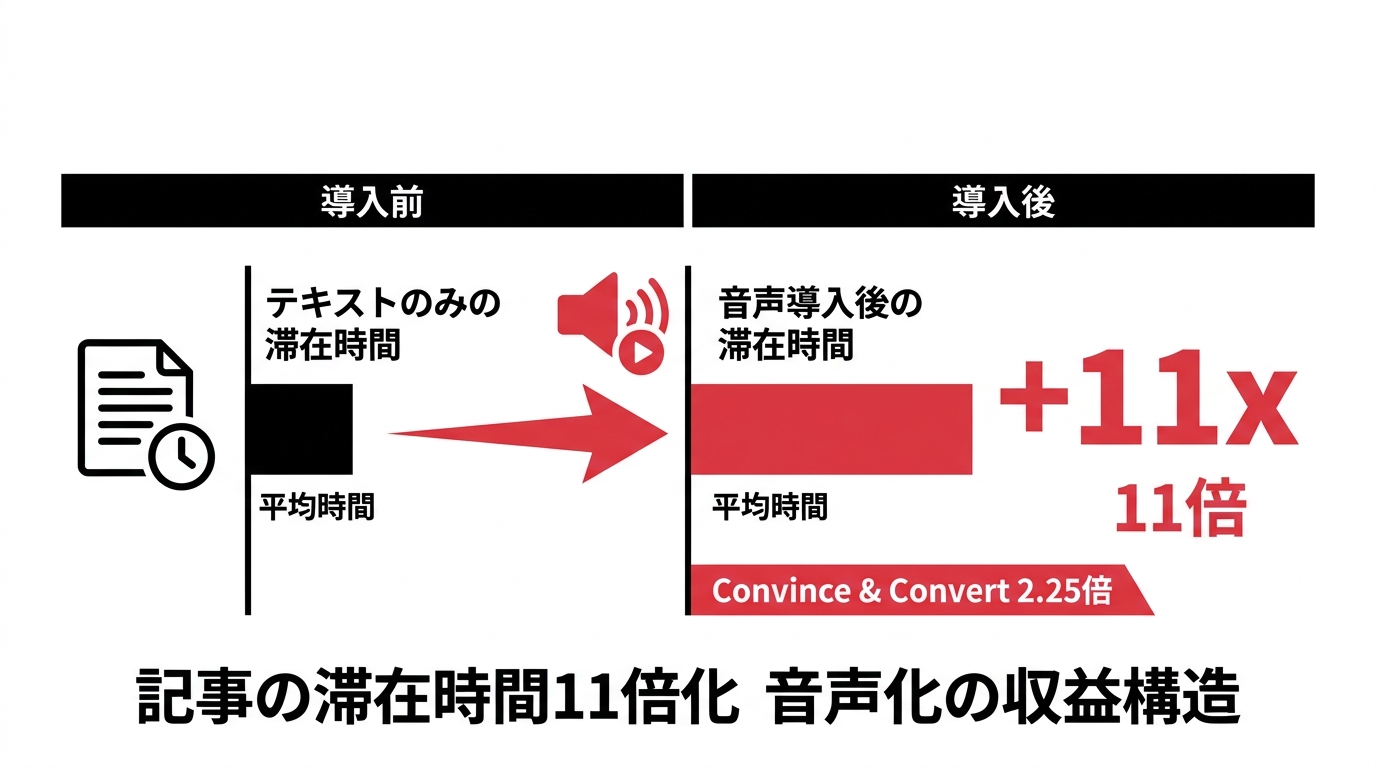
Across more than 30 MediaLeap client properties observed from 2024 to 2026, GA4 sessions that initiated audio showed roughly 1.5 to 2.5 times the average engagement time of non-playing sessions on comparable article sets. This is observational and includes self-selection. The method and limits are detailed in the audio engagement measurement article.
Budget for operations, not only synthesis
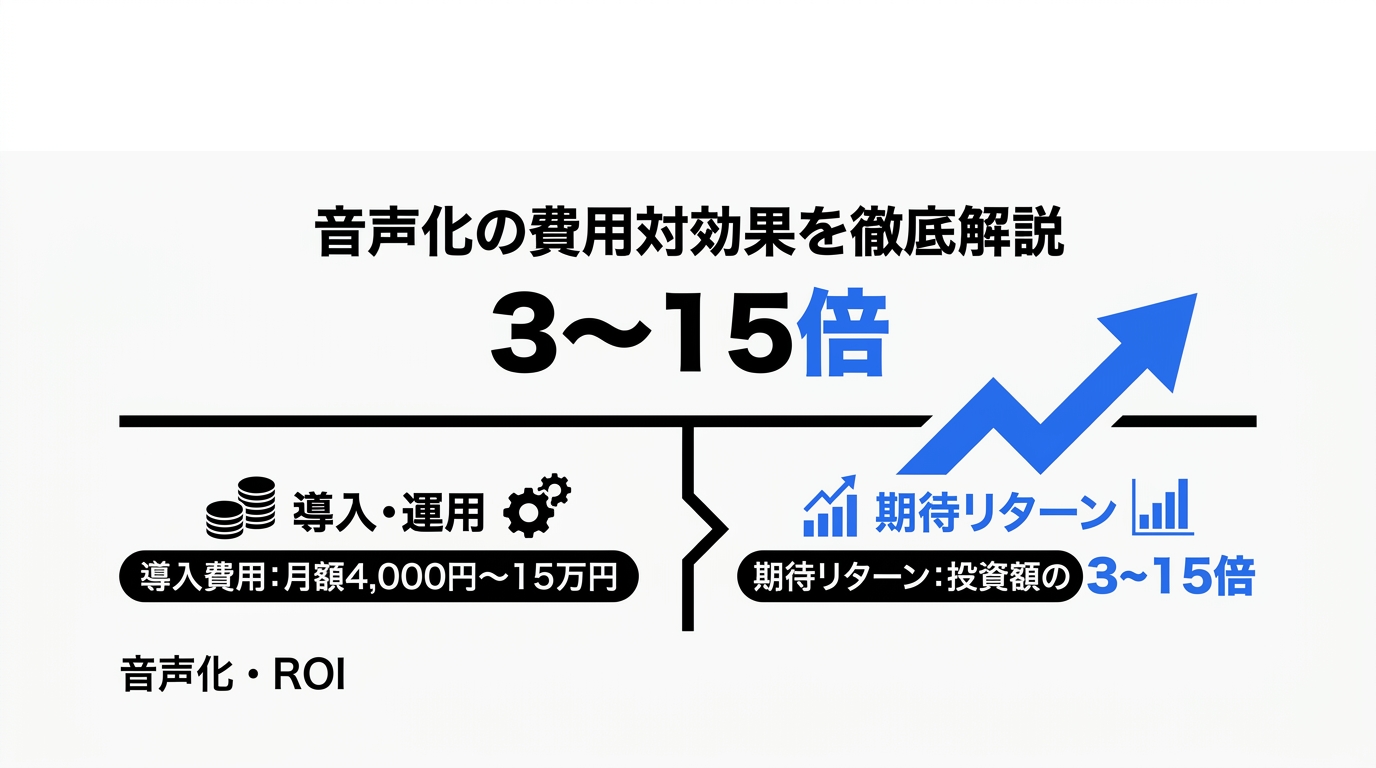
Based on public 2026 pricing, raw TTS for one million characters can fall in a broad range of roughly ¥1,600 to ¥4,000, depending on model and provider. That is a dated estimate, not a quote. Storage, delivery, retries, and premium models add cost.
Custom player development, an editorial dashboard, analytics, accessibility work, and a review workflow can be much more expensive. A ¥500,000 to ¥1.5 million external build is only a rough estimate for a limited implementation in Japan; scope can move it far outside that range.
A short-news publication may find that review time exceeds the listening benefit. A visual publication may need custom scripts for every story. In both cases, not launching can be the correct decision.
The audio advertising revenue playbook explains when audience scale may support monetization. Do not assume advertising will pay for an unproven listening product.
Run a test the team can stop
Ten articles over one month are enough to expose most operational problems. Compare play rate, completion, engaged time, and correction workload. Keep the project only if the audience signal justifies the recurring work.
I am building PUBVOICE to reduce the initial engineering burden through feed ingestion and an embeddable player. Editorial review does not disappear. A sustainable audio workflow is one the publication can maintain after the novelty wears off.
PUBVOICE - Deliver your articles as audio
We built PUBVOICE so media operators can add a listening experience without extra workload. Register an RSS feed and every new article gets audio automatically.
Every time we hear editors worry that readers never finish their articles, we keep coming back to the same answer: audio reaches the moments text cannot - commutes, chores, workouts. PUBVOICE was born from that conviction.

Yutaro Sasao
We take each person's "I want to" and "I want to be able to" seriously, and use technology to make it happen. That is our mission.
Opening up new possibilities with digital technology. Drawing on roughly ten years in the advertising and media industries, Yutaro builds app development for web media companies with AI-driven efficiency.
Talk to us about your next project
Contact us about app development or other digital initiatives. We will review your requirements and recommend an approach suited to your business.
Related posts
Contact
Contact us to discuss app development for your media business. We will recommend an approach based on your requirements and commercial goals.
Contact Form
Send us your inquiry using the form below. We aim to respond within 24 hours.
Contact by Email
info@media-leap.com
We aim to respond within 24 hours
Business Hours
Weekdays: 9:00–18:00 JST
Weekends and public holidays: Closed